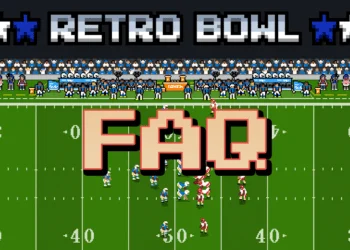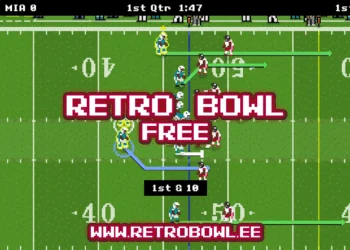

Short answer: in the browser version of Retro Bowl, start aiming a pass as usual (click and drag back, away from the receiver) and, while you are still holding the drag, click the right mouse button. That switches the throw between a low, fast bullet and a high lob. On a phone or tablet, the same switch is a tap with a second finger while your first finger is aiming.
Step by step on a computer
- Snap the ball and press the left mouse button anywhere on the field.
- Drag in the opposite direction of the receiver you want to hit. An aiming line shows where the ball will go.
- Keep holding and click the right mouse button once to change the pass type. Click it again to switch back.
- Release the left button to throw. The ball goes where you aimed, not to the receiver, so lead him a little.
Bullet pass on a laptop or MacBook without a mouse
Use your touchpad’s secondary click in place of the right button. On a MacBook that is a two-finger click by default; on most Windows laptops and Chromebooks it is the bottom-right corner of the pad or a two-finger tap. Hold the aim with one finger and make the secondary click with another. If your touchpad cannot click while you drag, a cheap USB mouse makes bullets far easier.
When to throw a bullet and when to lob
- Bullet: when a defender is sitting underneath the route, or a receiver has a step on his man and you need the ball there fast.
- Lob: to drop the ball over a defender who is close to your receiver.
- Defenders playing deep: throw short and take the yards; short completions move the chains.
Why some bullets fall short
Range is a rating, not a technique. In the game’s help text, a quarterback’s Strength sets his maximum throw range and Stamina sets how much that strength drains with every throw, so a tired quarterback late in a game has less arm than in the first quarter. His Throwing rating decides how much of the aiming arc you can see.
Want to practise? Play Retro Bowl in your browser and try a bullet on the next short out route.